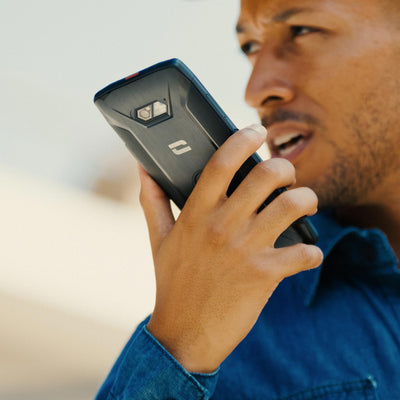
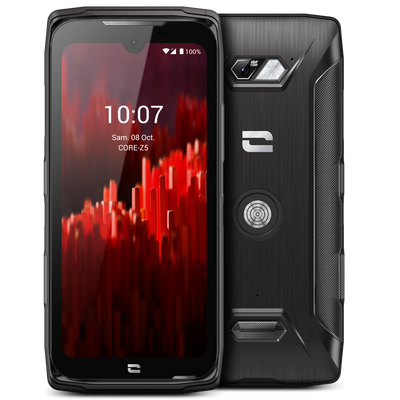

You’re behind the wheel, helping a friend during a climbing session, or feeling a bit lazy—thanks to the voice recognition technology built into Android phones, you can now write your SMS without even touching your smartphone using voice input!
Activating voice input
To be able to dictate text, you first need to activate voice input:
- Go to « Settings » then « Languages & input ».
- Click on « Current keyboard » and « Select keyboards ».
- Activate the “Google Voice Input” mode in “Voice Output Mode” then “On”.
- Open the SMS app.
- Click the Microphone key located to the right of the keyboard.
- The message Speak now appears.
- Dictate your text clearly.
- If possible, avoid long sentences and complicated words that might not be in the dictionary stored on your TREKKER-X3.
- As you dictate, the text automatically appears on the screen.
- Make corrections if necessary.
- Click Send.
The “OK GOOGLE” method
In addition to sending SMS, this feature lets you perform various tasks using your voice (write an email, do an internet search, check the weather…).
- On the home screen of your TREKKER-X3, you can see a Microphone icon to the right of the Google search bar. Tap it and say “send SMS to (*your contact’s name*)”.
- If this is your first time, Google will need access to the contacts saved on your device. Click « Yes, I accept » to use this feature.
- Dictate your SMS clearly, making sure to pause briefly between each word.
- Android’s voice recognition system automatically creates an SMS.
- All you have to do is click on « Send ».