
The moment you were dreading has arrived… Your teenager has asked you for a smartphone. But between their desire for independence, your need to be able to reach them, and your fear of misuse, it can be difficult to find the right compromise. This guide will take you step by step through choosing a first phone suited to your needs, without sacrificing either your peace of mind or your budget.
Should you give your teenager their first smartphone?
The answer is, of course, specific to each parent. But starting middle school often marks a turning point in a child’s independence: traveling alone, extracurricular activities, new friends. A first phone can primarily meet a simple need: staying in touch.
Staying in touch and knowing where they are: Being able to reach your child at any time and feel reassured about their location thanks to an integrated GPS remains parents’ primary motivation. A simple text to report a schedule change, a call in case of an unexpected event: the phone becomes an everyday safety tool.
Supporting digital independence: Giving your child a first phone is also an opportunity to teach them how to use it gradually, with clear rules. Establishing a framework from the outset makes it easier to develop good digital habits, rather than discovering unstructured use later on.
A tool that also makes parents’ daily lives easier: Coordinating schedules, sending a group message to organize a carpool, calling at the end of an activity: a middle-schooler’s phone quickly becomes a practical tool for the whole family.
What type of first phone should you choose?
There are two main types of phones to choose from, depending on the level of digital independence you want to give your child:
The basic mobile phone (Featurephone / Dumbphone) :
Without internet access, it covers essential functions: making calls, sending texts, and staying reachable. A reliable solution for a first phone experience, without the risks associated with social media or inappropriate content.
The limited-access smartphone :
An appealing compromise, with internet access that is strictly supervised by parental controls filtering apps and content. Your child gradually discovers the digital world, but always under your supervision.
Choosing the right first phone depends above all on how much independence you want to give your child: gradual, supervised access or use deliberately limited to essential functions.
What criteria should you consider when choosing a first phone for a teenager?
Phone and messaging: the essential basics
Above all, a first phone must fulfill its primary purpose: making calls and sending text messages. These simple uses meet 90% of a middle school student's actual needs.
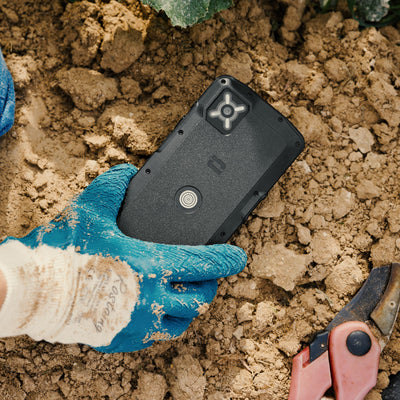
Outstanding durability and water resistance
This criterion is too often underestimated, even though it should be one of the first on the list. A teenager's day is far from calm for a phone:
- Banned in most middle and high schools, the phone spends the day in a backpack, jostled among a pencil case, notebooks, a water bottle, and sports gear. Impacts, friction, crushing: the phone takes quite a beating without anyone realizing it.
- Drops are common: a phone slipping out of a pocket, falling from a locker, or ending up on the pavement when taken out of a bag.
- Rain on the way to school, a water bottle leaking in the bag... : even accidentally, their phone can easily get wet.
A rugged smartphone, designed to withstand repeated drops and certified IP68 waterproof, handles this hectic daily life without damage, unlike a more fragile conventional smartphone.
A real source of peace of mind for parents, who no longer have to repeatedly explain usage precautions and, above all, will not have to replace the phone after just one term.
Long-lasting battery life to always stay reachable
A teenager does not always remember to charge their phone. A battery life limited to one day increases the risk of the phone being switched off and unreachable.
A long-lasting phone makes up for forgotten charging and ensures that the child remains reachable in all circumstances.
Music, Streaming, Internet... Which access should be allowed?
Certain uses, such as music or content streaming, can be enjoyed without posing any particular risk if they are properly configured to block content unsuitable for young audiences.
Other school services, such as online report cards, as well as public transportation services, require an internet connection and a web browser to function.
The aim is therefore not to block everything, but to adjust permissions according to the child’s maturity—an area where advanced parental controls make all the difference.
Advanced parental controls: the non-negotiable feature
For a first phone, this is not often the most sought-after criterion, and above all, it is not always the best understood. Yet advanced parental controls are essential for properly managing a child’s first digital experiences.
Good parental controls should make it possible to:
- Manage access to apps according to the child’s age
- Rely on the PEGI rating of apps (minimum age recommendation) to allow or block age-appropriate content
- Lock settings with a parental code, to prevent the child from changing anything
- Adjust permissions over time, as the child grows
That is precisely what Crosscall’s advanced parental controls, available on all our smartphones, make possible.
Which first Crosscall smartphone should you choose?
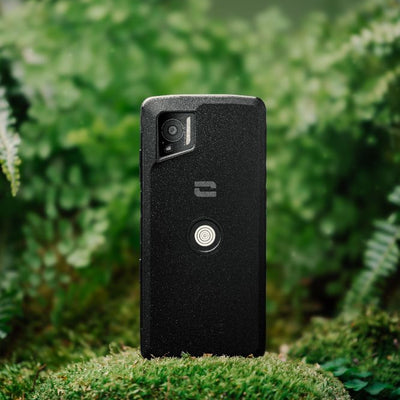
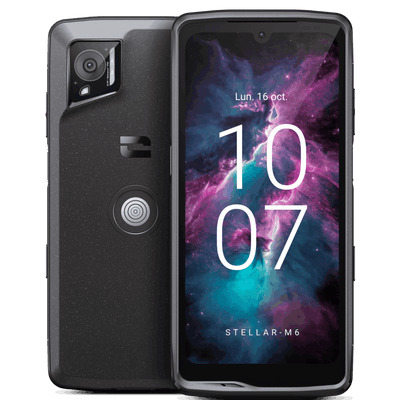
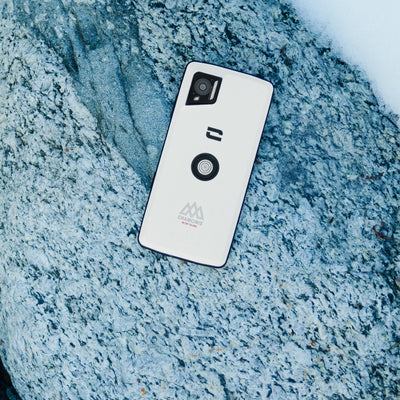
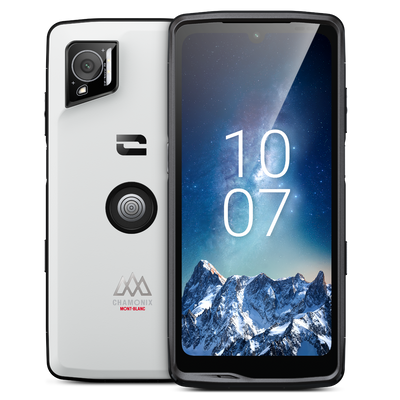
STELLAR-M6: a first smartphone with peace of mind
For families who want to give their teenager a true 5G smartphone that can withstand everyday life while keeping control over how it is used.
- Compact and elegant design
- Rugged and waterproof
- 35 hours of real-world use / 400 hours on standby
- Advanced Crosscall parental controls
- 5-year warranty, battery included
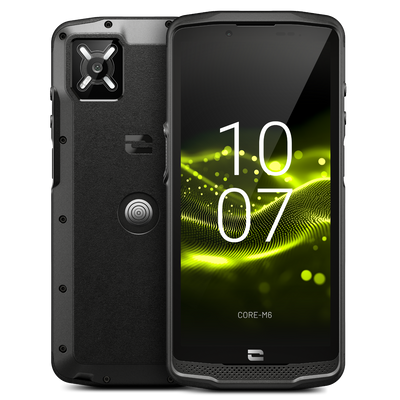
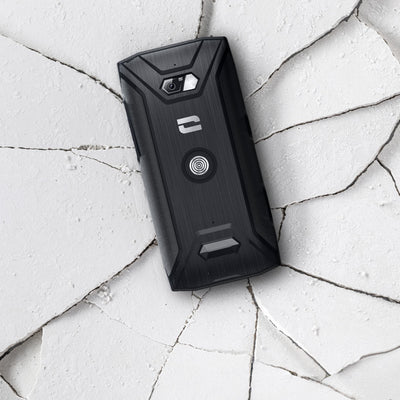
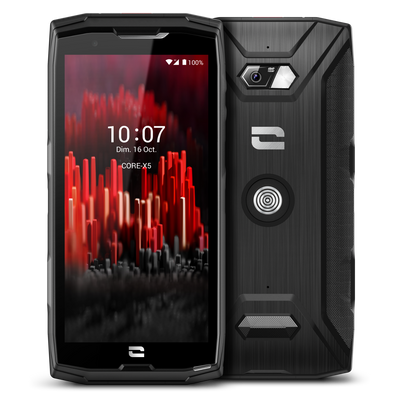
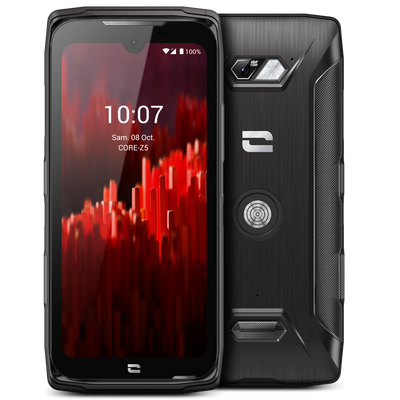
CORE-S5: The essential mobile phone
For parents who prefer to delay access to a smartphone and choose a first mobile phone with essential communication features.
- Simple and practical
- 4G connectivity
- Rugged and waterproof
- 10 days of standby time
- 5-year warranty, battery included
Comparison table
STELLAR-M6 |
CORE-S5 |
|||
Type |
Smartphone | Mobile phone / Feature phone / Dumbphone | ||
| Internet access | Yes | No | ||
| Calls / SMS | Yes (5G) | Yes (4G) | ||
| GPS / Location | Yes | No | ||
| Parental controls | Yes | No | ||
| Drop resistance | Up to 1.5 m | Up to 1.8 m | ||
| Water resistance |
|
|
||
| Battery life |
|
|
||
Warranty |
|
|
How much should you budget for your teenager’s first phone?
The “hidden” cost of entry-level smartphones
When purchased, a classic entry-level smartphone seems economical and more than sufficient as a first phone. But its fragile design cannot withstand a teenager’s hectic daily routine: the phone gets left in the pocket of a backpack that is itself thrown on the ground, falls onto the floor, gets caught in the rain on the way to middle or high school… Not to mention children who simply leave their phone outside and eventually lose it.
As a result, breakages and replacements occur during the school year.
To limit damage, some parents invest in additional accessories such as cases, screen protectors, and lanyards, which push the total cost far beyond the initial purchase price.
Why is investing in a durable first phone more cost-effective?
A phone designed to withstand shocks, water, and the hectic daily use of a teenager drastically reduces replacement and repair costs.
Over several years, a robust model with a 5-year warranty is often a more reasonable investment than replacing a budget smartphone every year. Plus, there is no need for additional protective accessories.
FAQ
Which first phone should I choose for a middle-school student?
It depends on the intended use: a supervised smartphone such as the STELLAR-M6 for gradual, controlled access to digital technology, or a classic mobile phone such as the CORE-S5 to delay internet access while keeping your child reachable.
How can I protect a phone from damage?
The best approach is to choose a device designed to withstand everyday use: IP68 certification for water resistance and repeated-drop resistance compliant with MIL-STD standards. This avoids having to buy multiple protective accessories, such as cases and screen protectors, which add to the initial cost.
How much should I budget for a first phone?
It’s a question of balance. A smartphone with essential features may not cost very much, but the cheapest models are often extremely fragile. It is therefore better to choose a durable device with a 5-year warranty rather than a model that needs replacing every year.
How do I set up parental controls for my child?
It should filter apps according to their PEGI rating, lock settings with a code, and be easy to adjust over time as the child matures. Crosscall’s advanced parental controls are available on all our smartphones.
What are the rules for using phones at middle school?
Phones are prohibited during classes in most French middle and high schools and generally must remain switched off or stored in a bag during the day. Check with your child’s school for the exact rules.